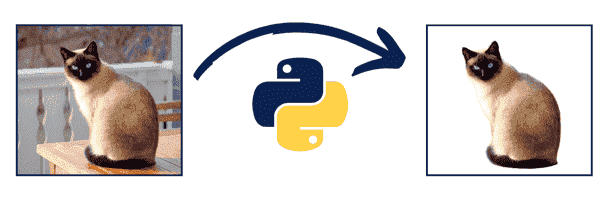
I was surfing the internet searching for AI tools and methods to make money online, and I stumbled upon an Image Background Removal service called Remove.Bg.
It works great. But I was shocked by the pricing. It charges $0.2-$1.99 per Image!?

So, I decided to take the challenge and reverse engineer this website to build my own Free Image Background Remover without relying on any APIs or Third Parties.
I kept searching for a few days and found a great python project on GitHub, Called U2Net.
A Big Shout-out and Thanks to the authors of this project!
I tried my best to make things as simple as possible so that even newbies could use and run the python script I built.
I also created a Short Video showing The Script & How to use it, and I pointed out three methods and secrets that may help you build an online income stream with the help of this script. Here is the video:
For example, You can turn this into an online tool that people pay to use based on a monthly subscription. I did something similar with BoostCTR, FreeImageAI, LargeFileSender, and H-supertools.
What you can also do is that. You can use the script, turn it into an API, publish it on RapidAPI, and sell it for a monthly recurring income. I also do this with my Domain Authority API.
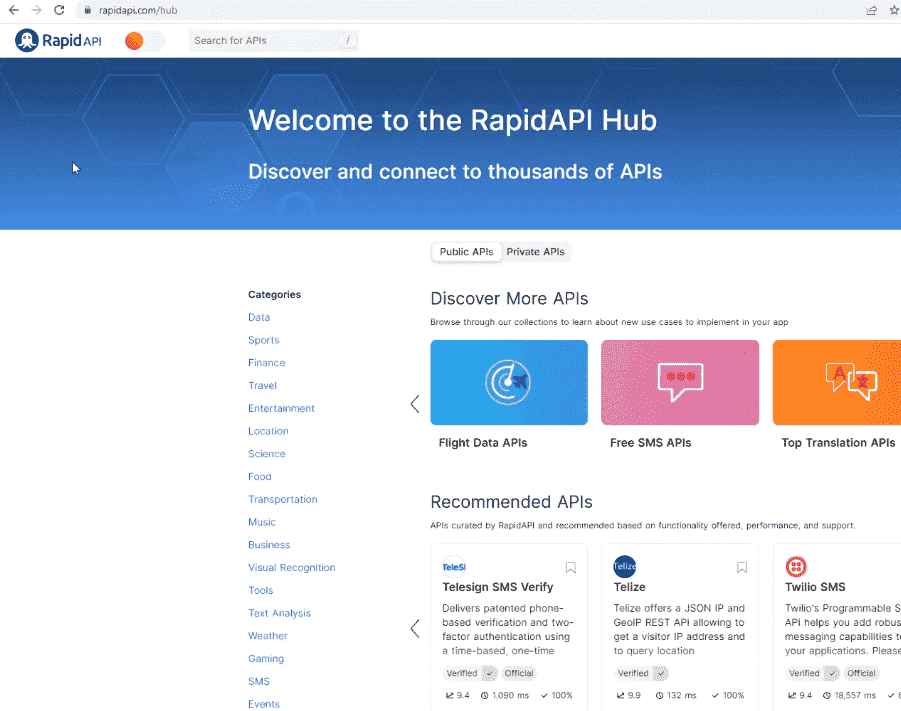
Remove Background from Image with Python
So, let’s open our source code with visual studio code
The main part of our script is this magic method called removeBg(). We’ll pass the Image Path as an argument.
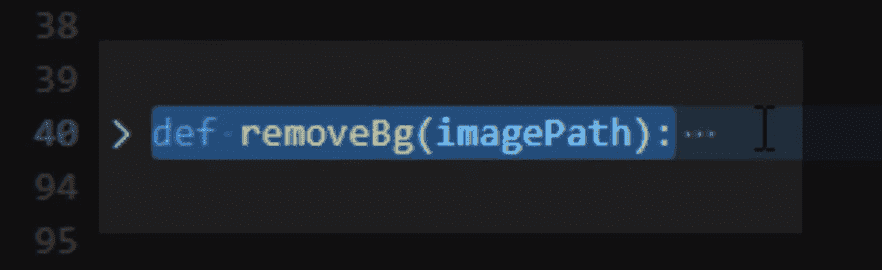
So, two methods are very important in this Python Script. One saves the output, and the other will create the mask of the image and the image without background and return.
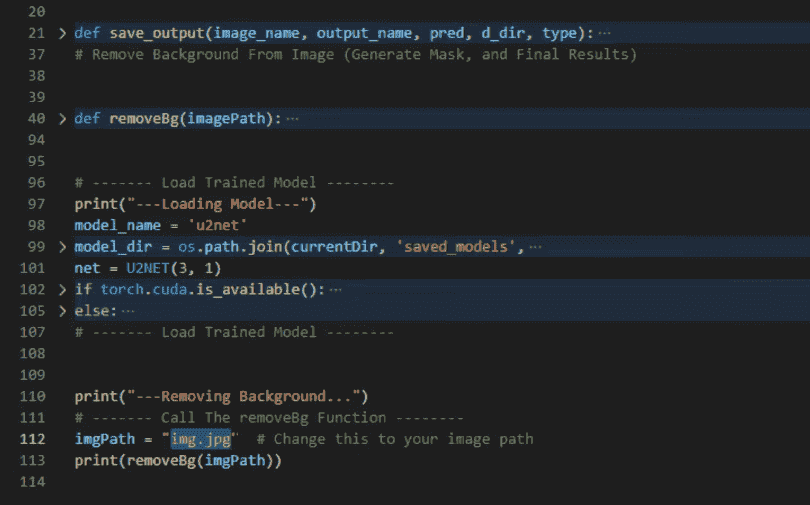
So, in the first part, we are loading the model. I will also give you the trained model so you can use it directly.
After Loading, we call the removebg() function to remove the background image.
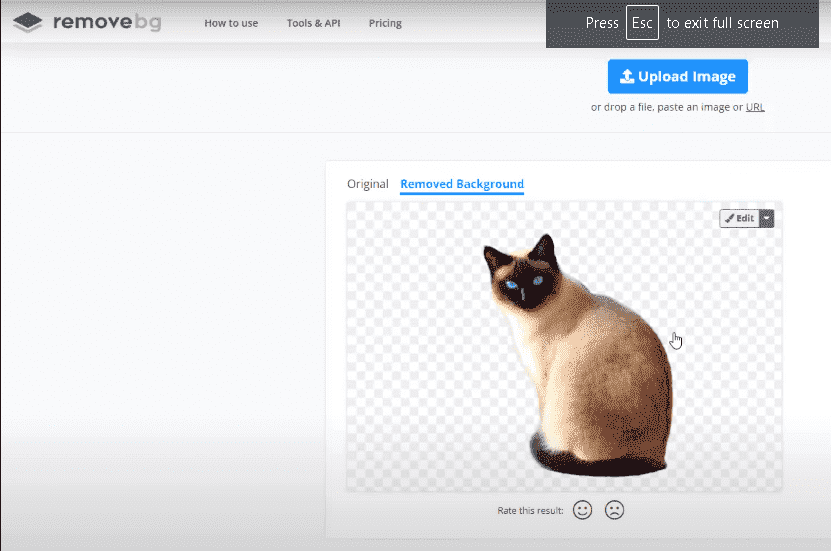
Let’s see how it works I will reopen Remove.bg and get a sample image from their website.
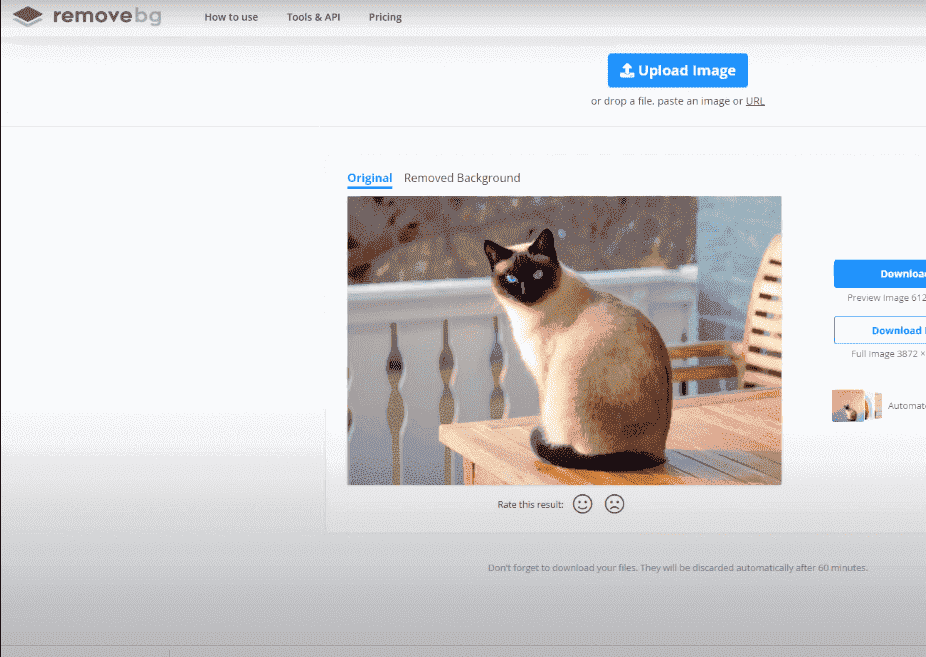
So we can compare the results.
I will save this cat image on my desktop.
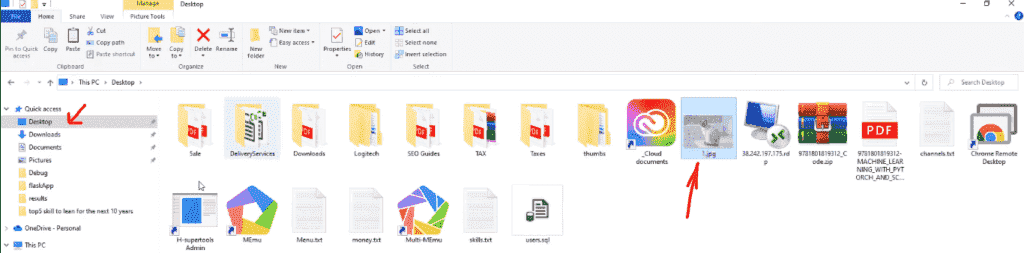
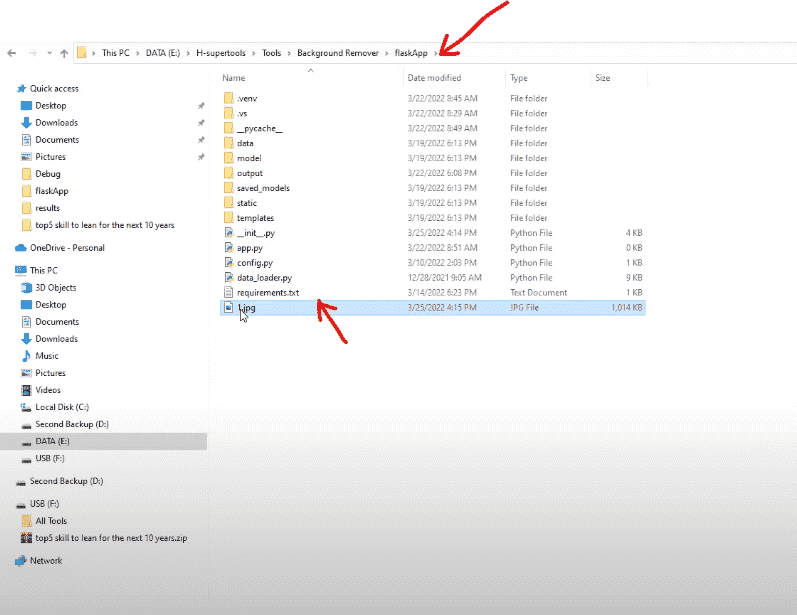
I will copy the name and open the script again. And paste the image path here
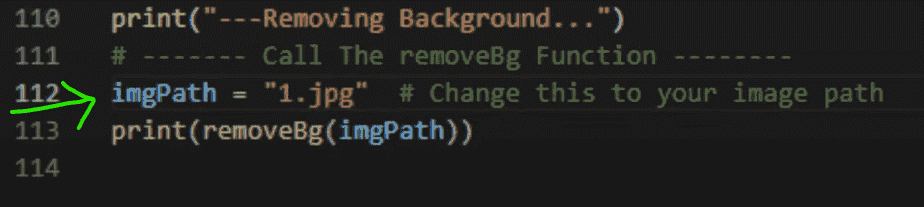
And run the script.
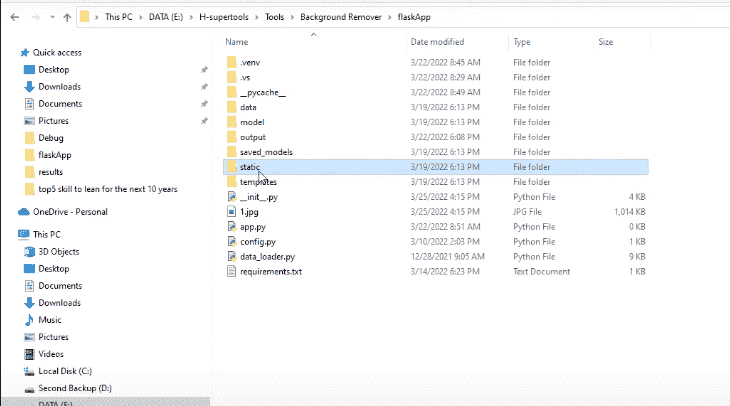
To see the Results. Go to your Python Project Folder.
Find a Folder named ‘static.’
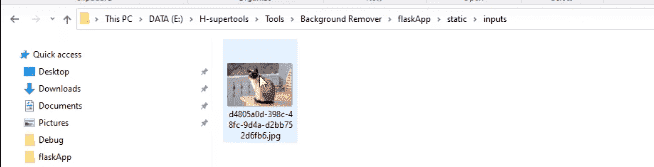
Now in the static folder, go to inputs.
So, this is the input (this is the main image.)
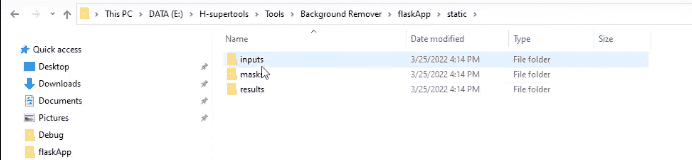
The Masks folder will have a mask of the same image.
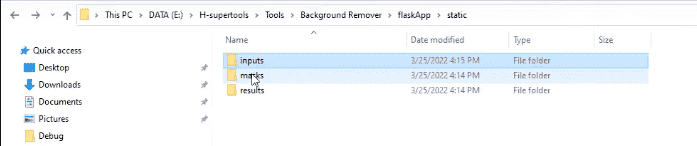
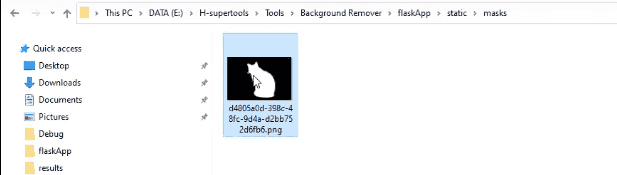
And finally, this is the result. It’s Great!

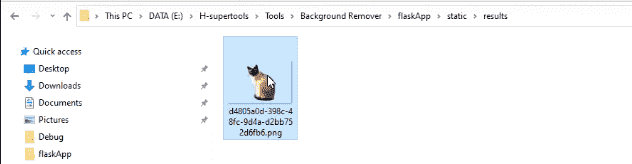
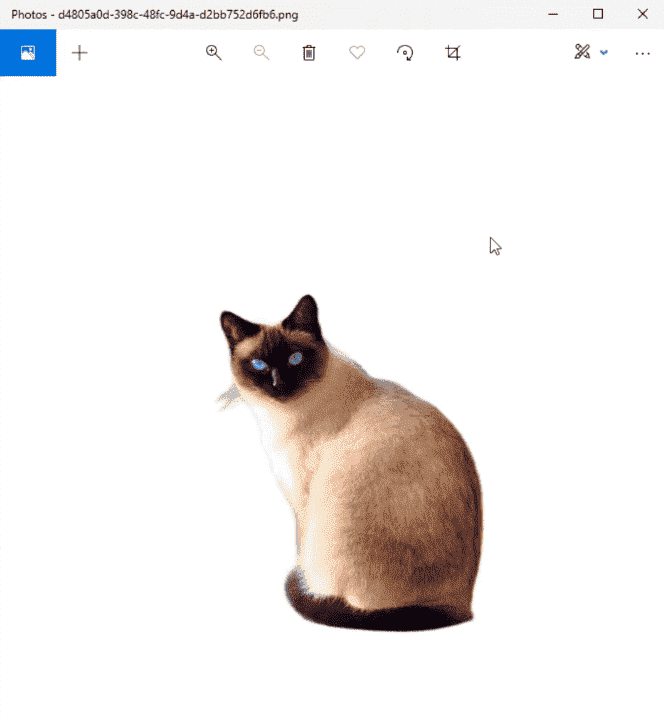
Now let’s go to Remove.bg. The result here is almost the same.
Thanks to everyone who helped in developing this awesome machine-learning model.
Source Code
You can Download the Full Source Code or Check it out On GitHub
By the way, here’s the script!
Also, here is some help if you download the Full Project Folder.
File Structure
when you open the Downloads folder. You’ll find this inside:
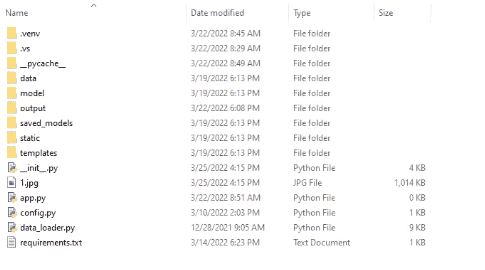
Saved models

U2NET

And here is the trained model so you can use it directly.

And we have the script file here.

And the static folder, we have the inputs, masks, and results. You can find them here also. It’s super easy to use.
You can use this requirements text file directly to import and install all the requirements with the pip command.
If you have any questions, please share them in the comments below.
If you find this helpful, share it with your friends!


No comments:
Post a Comment